
Like this guide? Help readers find more of our Bali connectivity guides in Google.
Add Sim Card Airport Bali as a Preferred SourceThis preference applies to the site, not only this article.
Quick answer: Most iPhones from the XS, XS Max and XR generation support eSIM, but regional versions can differ. Check your exact model and confirm the phone is unlocked before buying. In Bali, the fulfilment method depends on the product: the selected IM3 Online Activation eSIM does not need airport pickup, while other plans may require it.
Check iPhone eSIM compatibility
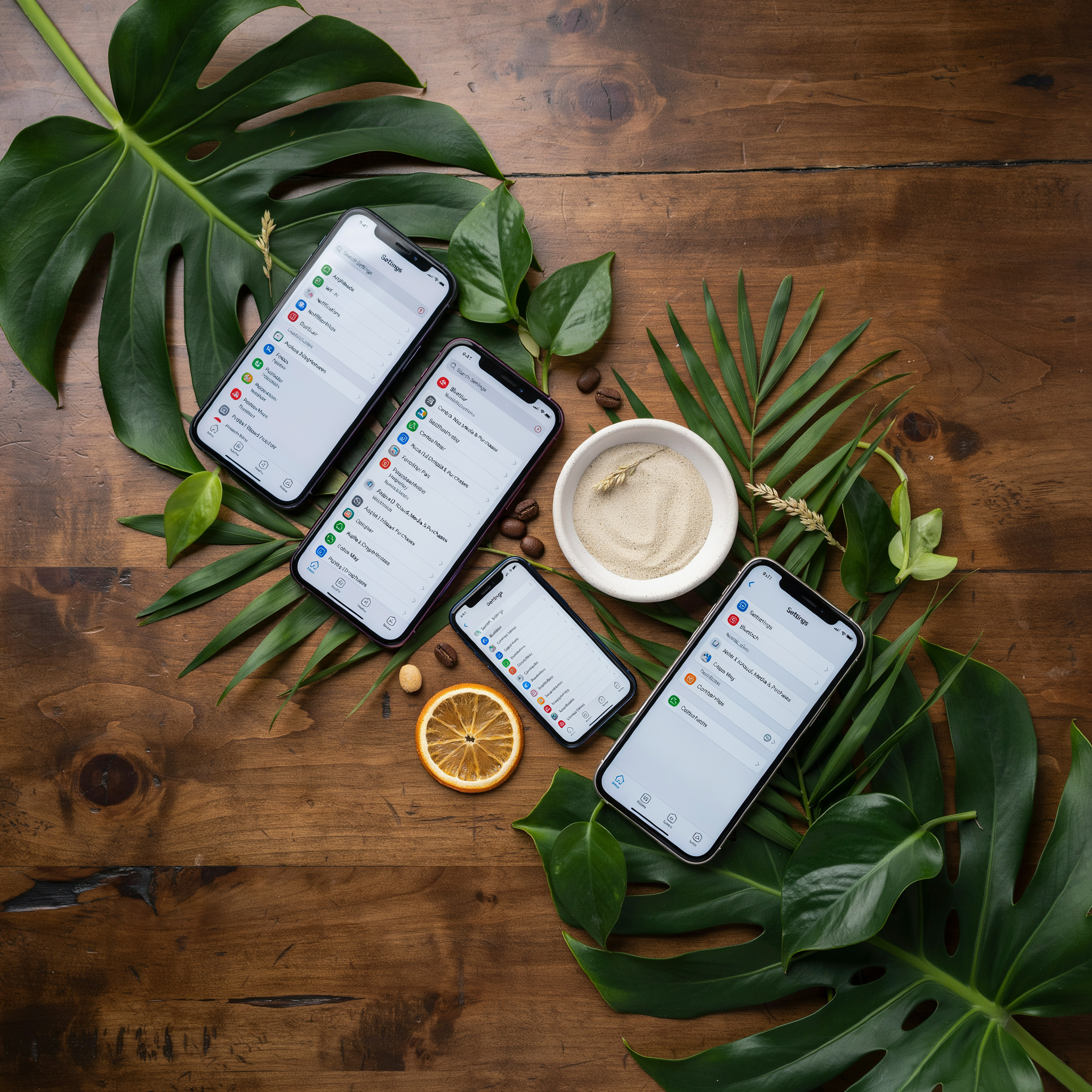
Apple lists iPhone XS, iPhone XS Max, iPhone XR and later models as eSIM-capable. However, support can vary by country or regional model. Check Apple’s current iPhone eSIM setup guidance and confirm your exact model before ordering.
Your iPhone must also be unlocked to use a plan from a different carrier. Open Settings → General → About. If Carrier Lock shows “No SIM restrictions,” Apple says your phone is unlocked. Contact the carrier that supplied it if the status is unclear.
For other phone brands or more detailed checks, use our eSIM compatibility guide.
Install an eSIM on iPhone
Follow the instructions sent with your selected plan. For a QR-code setup, connect the iPhone to Wi-Fi, open Settings → Cellular (or Mobile Data), choose Add eSIM, then scan the code. Menu wording can vary by iOS version.
When iPhone asks which line to use, label the new line so you can recognise it. Choose the Bali line for mobile data if you want to keep using your home line. Apple describes QR-code and other installation methods in its official setup instructions.
Install and activate are separate steps. Follow the product’s instructions and do not assume that scanning a QR code starts the plan’s validity or connects immediately.
Know when activation and validity begin
Order confirmation, registration, operator activation, eSIM installation and the start of package validity may happen at different times. Check the terms for the plan you bought. If the operator or seller has not confirmed activation, do not delete the eSIM profile or scan the same QR code again.
If you need a plan before arrival, confirm whether the selected product supports that timing. Some products require airport pickup and staff assistance. The specific IM3 Online Activation eSIM uses a separate online registration process and sends the QR code after document verification and operator processing.
Choose pickup or online activation
“eSIM” describes the digital format; it does not mean every plan activates online. Eligible products can be collected at the XL Booth after Customs at Ngurah Rai International Airport, where staff help with required registration and setup. Read the airport pickup guide before you travel.
Only the product labelled IM3 Online Activation is processed online without a booth visit. Each eSIM needs its own registration form, and the user must submit the requested passport and device details. Other eSIM products may need airport pickup. Check the exact SIM and eSIM package before checkout.
Keep your home number available
Many iPhones can keep a home line and a Bali eSIM available at the same time. The available setup depends on your model and carrier. Select the Bali line for mobile data and check your home carrier’s rules for calls, SMS and roaming charges.
Turning off data roaming on your home line can help prevent it from using mobile data, but it does not guarantee that calls or messages are free. Check your home plan before departure.
Fix common setup problems
If the iPhone cannot add the eSIM, first check the Wi-Fi connection, the phone’s carrier-lock status and the instructions for your exact product. If the profile is installed but data does not work, confirm that the Bali line is switched on and selected for mobile data.
Contact the seller or operator if the problem continues. Include your order number, iPhone model and a screenshot of the error. Do not delete the profile or attempt another installation unless support tells you to; some QR codes cannot be reused.
Frequently asked questions
Can I install a Bali eSIM before my flight?
That depends on the selected product. Check its instructions and activation timing before installing it. For the IM3 Online Activation product, the QR code arrives after registration checks and operator processing.
Do I need to visit the airport for every eSIM?
No. The specifically listed IM3 Online Activation eSIM does not require a booth visit. Other SIM and eSIM products may require airport pickup.
Can I keep using WhatsApp with my home number?
WhatsApp usually remains linked to the number used to register the account. A Bali data connection can carry WhatsApp messages and calls, but keep your home SIM or line available if you need SMS or calls from that number.
Where can I compare current plans?
See the current SIM and eSIM packages. Allowances, prices and fulfilment methods can change, so check the selected option before paying.


