
The best esim for bali is the one that connects before your plane door opens, not the one you spend an hour hunting for at a crowded airport counter. You land tired, your phone has no signal, and the first thing you need is a map to your hotel, a ride-hailing app, and a WhatsApp message to your host. That is why airport pickup and instant activation matter more than any spec sheet. We built Bali SIM Card & eSIM for Tourists around this exact moment, so you walk off the plane already connected.
In this article
In this article
Key takeaways
-
The best esim for bali activates before you leave the airport, not after you find a shop.
-
Coverage on XL, Tri, and Indosat networks covers the main tourist areas and most of the island.
-
Airport pickup means a real person hands you a working eSIM and helps you install it.
-
Data plans range from small 3GB options to larger 53GB packages for heavy users.
-
Simcardairportbali.com sells Bali SIM cards and eSIMs for tourists with pickup at the airport.
What actually separates a good eSIM from a frustrating one is not the price per gigabyte. It is whether the QR code arrives before you need it, whether the network covers Ubud and Uluwatu and Canggu, and whether someone can help you if the install fails. Most tourists do not want to troubleshoot APN settings on a curb outside arrivals. They want the thing to work. That is the bar we measure every plan against, and it is the bar you should use too.
How Bali eSIMs Work for Tourists
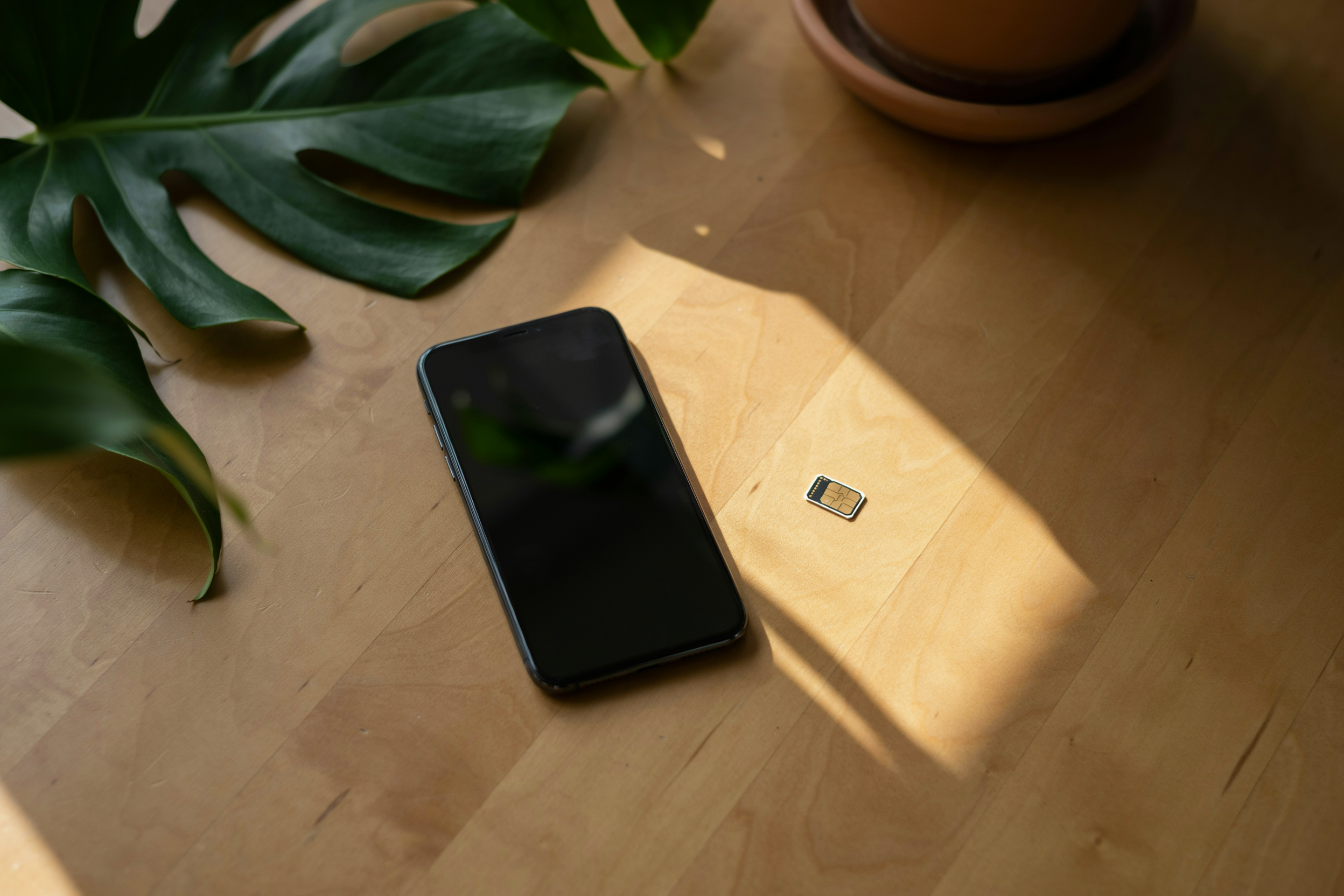
An eSIM is a digital SIM embedded in your phone. You don’t swap a physical card. You scan a QR code, download a profile, and you’re on an Indonesian network. For eSIM for Bali travel, that means no queue at a phone kiosk after a long flight and no fiddling with a tiny tray while your bags sit on the carousel.
Your phone must be unlocked and eSIM-compatible. Most iPhones from the XS onward, recent Google Pixels, and newer Samsung Galaxy models support it. If your carrier locked your phone, the eSIM won’t install. Check before you fly.
Activation usually takes under five minutes. You scan the QR code we send, confirm the plan, and the profile downloads over airport Wi-Fi. Data starts flowing as soon as you land. You keep your home number active for WhatsApp and SMS while the Bali eSIM handles data.
Roaming on your home plan is the expensive fallback. A local Indonesian network like Telkomsel or XL Axiata routes your traffic through local towers, so maps, ride-hailing apps, and video calls respond faster and cost a fraction of roaming rates. That’s the practical reason tourists switch.
Bali eSIM Comparison: What Separates the Good Plans
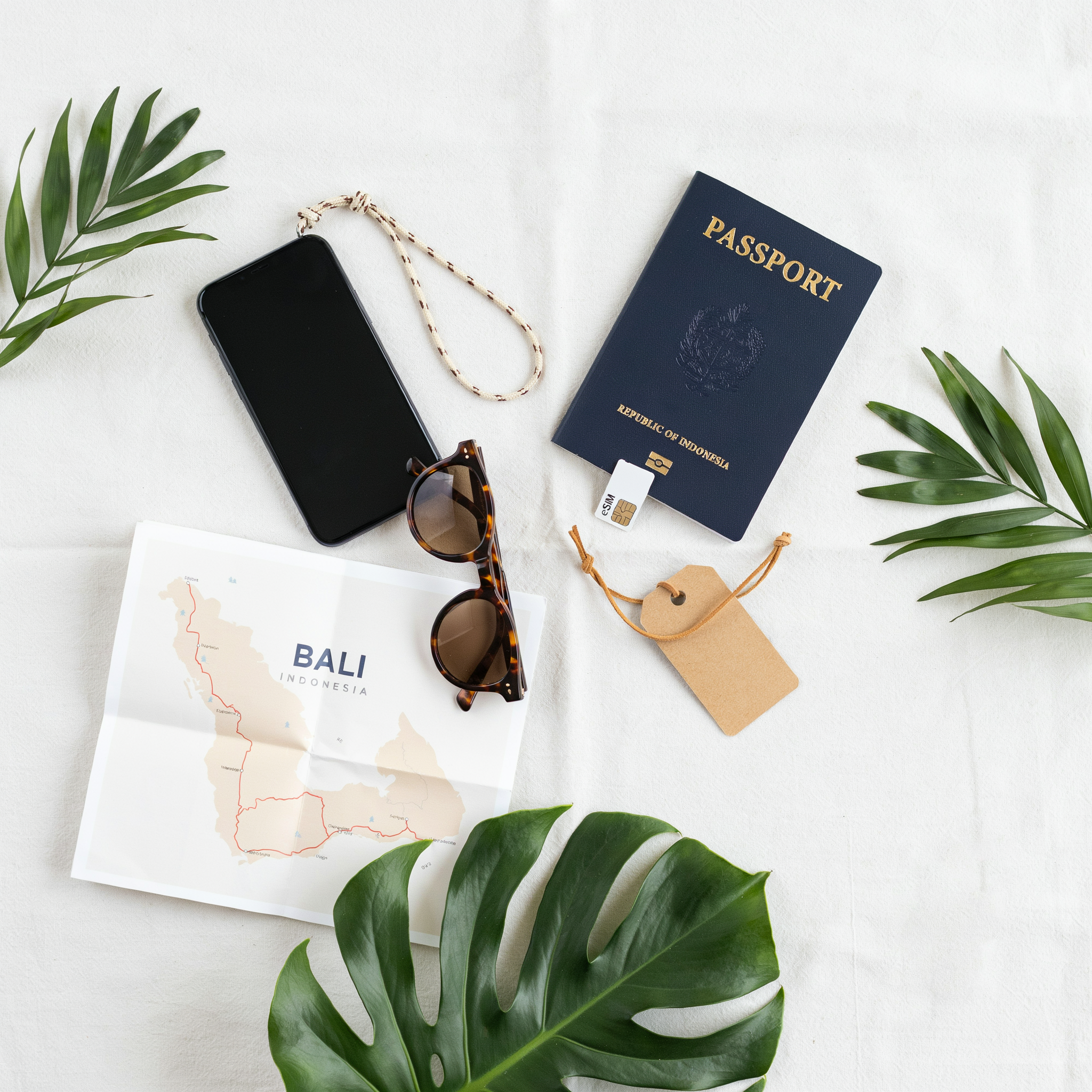
When you line up the options side by side, a eSim Card for Bali usually differs in four ways: how much data you get, how long it stays active, which local network it rides on, and what you pay per gigabyte. Most tourist plans fall between 3GB and 53GB, with validity running from 7 to 30 days. A 3GB plan might cover a short weekend, while a 53GB plan suits a month of heavy use with maps, video calls, and uploads.
The network behind the eSIM matters more than most travelers expect. In Bali, the strongest coverage generally comes from Telkomsel, with XL and Indosat Ooredoo close behind in built-up areas like Seminyak, Canggu, and Ubud. Some eSIMs connect to a single network, others switch automatically between two or three. A plan that can hop between XL and Indosat, for example, gives you a safety net when one network dips in a particular valley or beach town.
|
Plan size |
Typical validity |
Best for |
Price per GB |
|---|---|---|---|
|
3GB |
7 days |
Short stays, light use |
Highest |
|
10GB |
14 days |
One to two weeks |
Mid-range |
|
13GB to 14GB |
30 days |
Two weeks plus |
Lower |
|
53GB |
30 days |
Heavy users, long stays |
Lowest |
Price per gigabyte drops sharply as the data allowance grows. A Bali SIM Card 10GB plan costs noticeably less per gigabyte than a 3GB option, and the Get the Pocket Friendly Bali eSIM Card 53GB Data at Airport plan is the cheapest per gigabyte of the lot. If you are staying two weeks or longer, the bigger plans almost always make more sense. You pay less per unit and you never have to think about topping up mid-trip.
One thing to watch: some cheap plans throttle your speed after a daily cap, even when you still have data left. The plans we stock at Simcardairportbali.com do not do that. You get the full allowance at full speed for the whole validity period, which is exactly what you want when you are navigating unfamiliar roads or calling a ride at midnight.
Top eSIM Bali Picks for Different Travel Styles
Choosing the Get the Pocket Friendly Bali eSIM Card 53GB Data at Airport makes sense if you stream video, run navigation all day, or hotspot a laptop. Heavy users burn through small plans fast, and 53GB gives you room to work without watching the meter.
For a short stay of three to five days, the Bali Sim Card 3GB covers maps, ride-hailing, WhatsApp, and light browsing. You’ll likely finish the trip with data to spare, which beats paying for gigabytes you never touch.
Most travelers land somewhere in the middle. A 10GB or 13GB plan handles two weeks of normal use: photos uploading in the background, restaurant searches, video calls home. The Bali SIM Card 10GB and the Book Bali eSIM Card 13GB sit in that sweet spot, and both activate before you leave the airport.
Budget travelers should not default to the smallest plan. A 3GB card is cheap, but if you run out on day four, buying a second plan costs more than starting with 10GB. Top eSIM Bali options balance price against the real cost of running dry mid-trip.
One thing we tell every customer: pick a plan based on your longest day, not your average day. A day of heavy Google Maps use in Ubud plus a long video call can eat 1GB before dinner. Whatever you choose, you can see the full range in our eSim Card collection.
Bali eSIM Data Plans: What You Get for Your Money
Most Bali eSIM data plans fall into three rough tiers, and the price difference usually comes down to how much video you plan to stream. A 3GB plan costs around $6 to $8 and covers the basics: maps, WhatsApp messages, ride-hailing apps, and light browsing for a five to seven day trip. A 10GB plan, typically $12 to $16, gives you room for daily photo uploads, voice notes, and the occasional video call without watching the data meter. The 13GB to 15GB range sits around $18 to $22 and suits two-week stays where you’ll use Google Maps heavily and stream short videos most evenings.
What surprises most travelers is how far a small plan actually goes. Google Maps uses roughly 5MB per hour of active navigation. WhatsApp voice calls burn about 0.3MB per minute. A 10-minute video call on Zoom or WhatsApp runs 30 to 50MB. So a 3GB plan handles about 60 hours of map navigation, or 100 hours of voice calls, or a mix of both with plenty of buffer. Video is the only real data hog: one hour of YouTube at standard quality eats 500MB to 700MB.
When you compare Bali SIM Card & eSIM Plans for Tourists, the per-gigabyte price drops sharply as you move up tiers. The 3GB plan costs about $2.30 per GB. The 53GB option works out closer to $0.45 per GB. That makes the bigger plans a better deal for longer trips, even if you don’t use every gigabyte. Most plans also include a local Indonesian number, which helps with restaurant bookings and scooter rentals that ask for a phone contact.
One thing to check before you buy: whether the plan throttles after a daily cap. Some providers advertise 10GB but slow you to 128kbps after 1GB per day. The plans we stock at Simcardairportbali.com don’t do that. You get the full data allowance at full speed, which matters when you’re trying to load a map in Ubud traffic or send a video to family back home.
Airport Pickup vs. Buying Online Before You Fly
When you land at Ngurah Rai International Airport in Denpasar, the arrivals hall is loud, warm, and full of people trying to sell you things. That’s not the moment to compare data plans. Pre-booking your Bali eSIM before you fly means the QR code is already in your inbox when the plane touches down. You scan it, activate, and walk out of the terminal with working data. No queue at a counter, no fumbling with a physical SIM tray, no haggling over a price you don’t fully understand.
Airport pickup still works for travelers who forgot to plan ahead. You can buy a Bali SIM card at the airport, but you’ll pay a premium and you’ll wait in line while your transfer driver is already looking for you. The bigger problem is the gap between landing and getting connected. Without data, you can’t load Grab or Gojek to book a ride. You can’t pull up your hotel’s address or message the host on WhatsApp. You’re relying on airport Wi-Fi, which is often slow and sometimes asks for a local phone number you don’t have yet.
That first hour in Bali sets the tone for the trip. Having data before you leave the terminal means you can check your hotel check-in details, confirm your driver’s location, and let your family know you arrived safely. It’s not a luxury. It’s the difference between a smooth start and a stressful one. We see this pattern constantly: travelers who pre-book their eSim Card are already navigating to their villa while others are still standing at the counter. The best eSIM for Bali is the one that’s active before you need it.
Setting Up Your Bali eSIM in Under Five Minutes
Scanning the QR code is the fastest part. When you buy through Simcardairportbali.com, the QR arrives in your booking confirmation email, usually within minutes. Open your phone’s Settings, tap Cellular or Mobile Data, then Add eSIM. Point the camera at the QR code on your laptop screen or a printed copy. The phone reads it and pulls in the network profile automatically.
Name the plan something you’ll recognize later, like “Bali Trip” or “XL Data”. This matters because your phone will show both your home line and the Bali line side by side. A clear label stops you from accidentally turning off the wrong one mid-trip.
Now switch data roaming on for the new eSIM. This is the step most travelers miss. In your cellular settings, tap the Bali plan, then toggle Data Roaming to on. Without it, the eSIM connects to the local network but refuses to pass data, and you’ll sit at the airport staring at a loading spinner.
Set the Bali plan as your default data line while keeping your home SIM active for calls and texts. On iPhone, that’s under Cellular Data. On Android, it’s in SIM Manager. If you only want data and no roaming charges on your home number, turn off data roaming on your home SIM and leave it off.
One more check: confirm the APN is set automatically. Most modern phones handle this, but if data doesn’t flow after a minute, go to the eSIM’s APN settings and make sure it shows the carrier’s default, usually “internet” or “xl” for XL Axiata networks. A quick airplane-mode toggle for ten seconds often clears the last hiccup.
Test it before you leave the airport. Open a map or send a WhatsApp message. If it works, you’re done. The whole sequence takes under five minutes, and you’ll have working data before you reach the taxi queue.
Network Coverage Across Bali: What to Expect
Coverage in Bali is generally strong in the tourist-heavy south, but it thins out fast once you head north or inland. Kuta, Seminyak, and Canggu sit on the same coastal corridor where XL and Tri/Indosat both maintain dense 4G networks. You’ll get reliable data for maps, ride-hailing, and video calls in these areas without much thought.
Ubud is a different story. The town center has solid 4G from both networks, but the surrounding rice terraces and jungle valleys drop to 3G or patchy signal. If you’re staying in a villa outside central Ubud, expect slower speeds in the evenings when everyone’s back from day trips.
The islands are where coverage gets genuinely spotty. Nusa Penida and Nusa Lembongan have usable 4G near the main harbors and tourist beaches, but the cliffs and interior roads often drop signal entirely. The Gili Islands fare better on the western side, though the eastern shore can be hit or miss.
XL tends to hold up slightly better in rural areas and along the northern coast, while Tri/Indosat often delivers faster speeds in crowded tourist zones. Neither is universally superior, which is why the eSim Card options we stock include both networks. If your itinerary splits between south Bali and the islands, a plan that roams across both networks gives you the best shot at staying connected.
Common eSIM Problems and How to Fix Them
Most Bali eSIM issues come down to three things: the profile didn’t install cleanly, the APN isn’t set, or data roaming is off. Here’s how to sort each one.
If activation fails right after scanning the QR code, check that your phone is connected to Wi-Fi. eSIM profiles download over the internet, and a weak airport signal can stall the process. Delete the failed profile from your settings, restart the phone, and scan again. On iPhones, the option lives under Settings, then Cellular, then Add eSIM. Android users will find it under Connections, then SIM manager.
No data after a successful install almost always points to the APN. Bali providers use specific access point names, and your phone may not pick one up automatically. Open your mobile data settings and confirm the APN matches the one in your eSIM confirmation email. If the field is blank, type it in exactly as shown, save, and toggle airplane mode on and off. That forces the phone to reconnect to the local network.
Sometimes the eSIM is active but the phone still routes data through your home SIM. Go into your cellular settings and set the Bali eSIM as the default for mobile data, then turn off data roaming on your primary line. This stops surprise roaming charges and pushes everything through the local profile. If you booked through Bali SIM Card & eSIM for Tourists, the confirmation email includes the exact APN and a short setup checklist, which solves most of these problems before you leave the arrivals hall.
Why We Recommend Booking Through Simcardairportbali.com
We built Simcardairportbali.com around one simple problem: you land in Bali, you’re tired, and you need working data before you leave the arrivals hall. Airport pickup solves that. You book online, we have your eSIM ready when you walk out, and activation takes a few minutes while you wait for your bag. No hunting for a phone shop, no fumbling with a local SIM tray, no guessing which plan covers your trip.
Our plans are designed for tourists, not locals. That means generous data allowances, straightforward pricing in a currency you understand, and support that answers WhatsApp messages quickly. If something goes wrong with your Get the Pocket Friendly Bali eSIM Card 53GB Data at Airport, you’re not stuck with a generic helpline. You’re talking to people who know exactly what a traveler needs on day one in Bali.
We also keep the process boringly predictable. You pick a plan, pay, and get a QR code by email before you fly. Scan it when you land, and you’re online. That reliability is why so many visitors treat Simcardairportbali.com as their default choice for the best eSIM for Bali, especially when they want to skip the airport kiosk chaos and start their trip with maps, ride-hailing apps, and WhatsApp already working.
Frequently Asked Questions
Will my phone work with a Bali eSIM?
Most phones released after 2018 support eSIM, including recent iPhones, Samsung Galaxy models, and Google Pixels. Check your settings for an “Add eSIM” option before you book. If you’re unsure, our team can confirm compatibility when you place an order at simcardairportbali.com.
How long does eSIM activation take at Bali airport?
Activation usually takes under five minutes. You scan the QR code we send, follow the on-screen prompts, and your data connection goes live. If you pick up at the airport, our staff handle the setup for you so you’re connected before you leave the terminal.
How much data do I need for a week in Bali?
Most travelers use 1 to 2 GB per day for maps, WhatsApp, ride-hailing apps, and social media. A 10GB plan covers about a week of normal use. Heavy streamers or remote workers should look at 13GB or higher options from our eSim Card range.
Can I keep my home number active while using a Bali eSIM?
Yes. Your physical SIM stays in the phone for calls and texts from home, while the eSIM handles local data. Just set the eSIM as your data line in settings and disable data roaming on your home SIM to avoid surprise charges.
What happens if my eSIM stops working mid-trip?
Contact us through the site and we’ll troubleshoot or reissue the QR code. Most issues are fixed by toggling airplane mode or re-downloading the profile. That’s why booking through simcardairportbali.com matters: you get real support during your stay, not an automated bot.

